
Computers in the Library
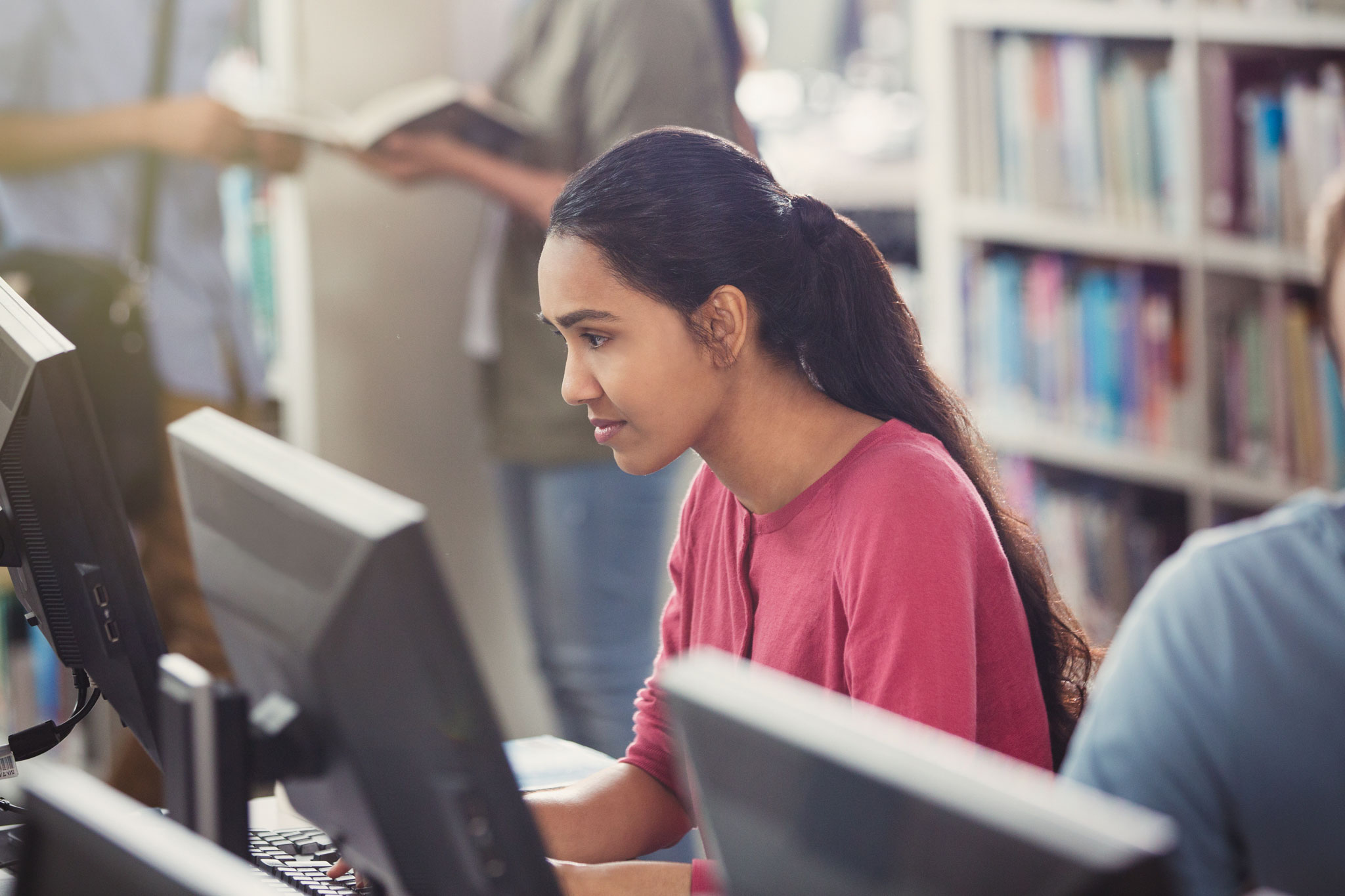
All La Trobe University campus libraries provide access to Windows computer workstations, though the equipment and software available may differ at each location.
The computer workstations are generally equipped with:
- Internet and printing access
- the following software:
- Microsoft Word, Excel, Access, Publisher and PowerPoint
- EndNote
- IBM SPSS Statistics
- Matlab
- VLC media player
- USB 2.0 and USB-C ports
- a headphone/microphone jack.
Note: At Melbourne (City) Campus, computer workstations are available in the computer lab for La Trobe postgraduate students, unless the room is being used to teach a class.
Note: At Sydney Campus, you need to use your Sydney campus student number (which begins with a '9') to log in to the computer workstations. Enter your username in the format 'STUDENTS\9XXXXXX'. Your default password is your date of birth in the format 'YYYYMMDD'.
Additional computing equipment
Select the locations for more information about the equipment available in the library at that campus.
Specialised equipment
- Selected Group Study Rooms have access to DVD and VCR players.
- A microform/microfilm viewing machine is located on Level 1. (No printing is available.)
Collection computers
There are computers available on Level 1 and 2 dedicated to searching the Library collections. No other software is available and you cannot print from these computers.
Note: You do not need to log in to access these computers (i.e. they are available for public use), but you can sign in to your Library account to save search results or access any items that you have saved in your favourites. Just remember to sign out once you are finished at the computer.
Specialised equipment
- Photocopiers with A3 scanning functionality are available on Levels 1, 2 and 3.
- Audio-visual equipment (VHS and DVD player) are available upon request from Library staff.
- Wall-mounted screens with speakers and webcams with wireless connectivity are available in the Online Learning Rooms on Level 2.
- Apple Mac computers are available for use.
Collection computers
There are computers available on Levels 2 and 3 dedicated to searching the Library collections. No other software is available and you cannot print from these computers.
Note: You do not need to log in to access these computers (i.e. they are available for public use), but you can sign in to your Library account to save search results or access any items that you have saved in your favourites. Just remember to sign out once you are finished at the computer.
Note: Apple Mac computers are no longer available at this library. Students that require access to these computers can do so in the Mac Labs in ED2 210 and HU2 331.
Specialised equipment
- A microfilm viewer and a microfiche reader are located in the Special Collections Reading Room on Level 1. Please inquire at the Library Help Zone if you need access.
Collection computer
There is a computer available on Level 3 dedicated to searching the Library collections. No other software is available and you cannot print from this computer.
Note: You do not need to log in to access this computer (i.e. it is available for public use), but you can sign in to your Library account to save search results or access any items that you have saved in your favourites. Just remember to sign out once you are finished at the computer.
Conditions of use for Library computers
When using the Library computers, you must adhere to the following conditions:
- When logging in, you must use your university username and password.
- You must comply with the University's Use of Computer Facilities Statute 2009.
Using your own laptop or device
All campus libraries provide places to study with access to individual study desks and, in some cases, meeting rooms and group tables. When using these spaces, you will need to supply your own laptop or device to use.
You will be able to connect to the Library's WiFi and print from your laptop/device.
Secure lockers to recharge your laptop are available at the Albury-Wodonga, Melbourne (Bundoora), Mildura and Shepparton campus libraries. Bendigo campus has lockers available in the student union area on Level 1.
Need help?
If you have any general questions about accessing Library computers, you can contact the Library. However, if you are experiencing any technical issues, please reach out to Student IT Support.